
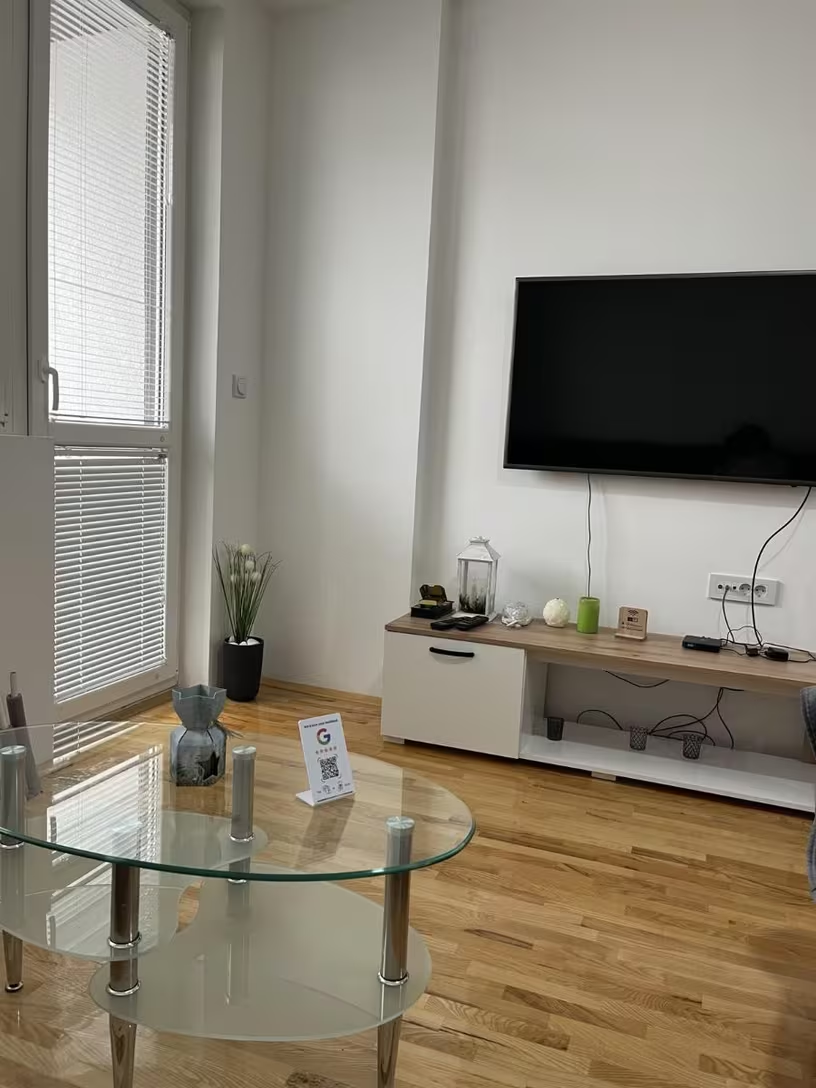
A review stand works when it is visible, relevant and easy to use at the same moment. Put it too early and the customer has not experienced the service. Put it in a corner and nobody notices. Put it in the right handover moment and the request feels like a natural final step.
The three-part placement test
Before choosing a surface, ask three questions:
- Has the customer received the value? The meal, stay, treatment, repair or service should be complete enough to review.
- Will the customer pause here? Tapping is easy, but people still need a few seconds to open and complete the page.
- Can they reach it without asking? The NFC and QR area should face the customer and remain clear of clutter.
A prominent position is useful only if all three conditions are present.
1. Beside the payment terminal
For cafés, takeaways, retailers and front-desk services, the card machine creates a natural pause. The customer has completed the experience and is already holding a phone or waiting for a receipt.
Place the stand on the customer-facing side, not behind the till. Keep enough space around it for a phone to approach the NFC area. Staff can use one neutral sentence after payment: “If you would like to share your experience, you can tap here.”
2. At reception after an appointment
Practices, studios, gyms and professional services often end at reception. A stand near the appointment card, follow-up booking or checkout point catches the moment without entering the private consultation space.
Protect confidentiality. Never ask a customer to describe medical, financial or other sensitive details publicly. The request should be optional and the review content remains their choice.
3. With the bill or final table touchpoint
Restaurants can position a compact stand where the bill is presented or where customers wait briefly after payment. A stand permanently placed on every table can work, but it may become visual noise or be moved around.
Start with the bill station or a small number of high-turnover tables. Keep it clean and make sure the QR code remains flat and scannable under the venue’s lighting.
4. At the completed-service handover
Contractors, repair businesses, workshops and mobile service teams often finish away from a counter. A pocket-sized NFC review card is more practical than a fixed stand.
Present it after the customer has inspected and accepted the completed work. Do not make the review feel like a condition of receiving an invoice, warranty document or returned property.
5. At a salon mirror or styling station
A salon or barber station gives customers time while a service is finishing. A card can sit at the mirror, while a stand may work near the payment area.
Avoid asking before the customer has seen the final result. Make the request after the reveal or while they are preparing to leave. If the business also wants social follows, use a separate clearly labelled product or destination rather than surprising the customer with the wrong page.
6. At guest checkout
Guesthouses and accommodation businesses have a clear final interaction at checkout. Position a stand near the key-return point or invoice desk, where the guest is reflecting on the completed stay.
Do not wait several days if an in-person moment is available. The detail and emotion that make a review useful are strongest while the stay is still fresh.
7. Inside collection and pickup areas
For click-and-collect, custom orders, bakeries and repair collection, place the stand where the customer checks the item before leaving. Make sure the request follows confirmation that the order is correct.
If queues move quickly, a card attached to the counter or a plaque near the waiting area may be easier to notice than a taller stand.
Test the position for two weeks
Placement should be treated as a small operational experiment. Choose one location, brief the team, and watch whether customers notice it without a long explanation.
- Is the product facing the customer?
- Can phones approach the NFC area easily?
- Does glare make the QR code difficult to scan?
- Does staff clutter hide it during busy periods?
- Is the review request happening after service completion?
- Do customers need a shorter staff prompt?
If the stand is overlooked, move it closer to the action rather than adding more signs. If the business needs a portable option, compare the Google Review Card with the Review Stand.
Placement works best as part of a fair process. Read our complete guide to getting more Google reviews ethically.
Find your customer moment